
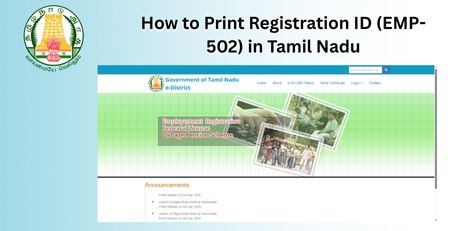
Service Code: EMP-502 | Department Charges: ₹0 | Service Charge: ₹10
Purpose:
This service allows registered users of the Tamil Nadu Employment and Training Department to print their Registration ID card, which is used for employment-related services and renewals.
Required Documents:
– Registration Number (issued by Employment Office) – Valid CAN (Citizen Access Number) for the applicant
Special Requirement:
– Applicant must already be registered with the Employment and Training Department
Application Process:
1. Login to E-District Portal
– Visit: https://tnedistrict.tn.gov.in – Click on Operator Login – Enter Username, Password, and Captcha – Select Service Operator Type → Click Login
2. Navigate to Employment and Training Department
– After login, click on Services – Select Department Wise → Employment and Training
3. Select Printing of Registration ID Service
– Click on EMP-502 Printing of Registration Id
4. Enter Registration Details
– Enter the Registration Number (e.g., AR02041M00106554) – System auto-fills user details – Verify User Charge: ₹10 – Click Submit
5. Confirm and Generate
– A confirmation pop-up will appear → Click OK – System generates Registration ID Card (PDF) and Receipt
6. Download and Print
– Download the ID Card PDF – Download the Payment Receipt PDF – Take printouts of both for official use
Alternative Method – Recommended:
Visit nearest eSevai / CSC Centre
– Operator will assist with login and printing
– Same ₹10 service charge applies – Immediate printout provided
After Printing:
– ID Card includes:
– Registration Number
– Personal Details
– Qualification Details – Renewal Date – Receipt confirms payment of ₹10
– Keep both documents safe for future employment service requests
Important Notes:
– Ensure Registration Number is correct before submitting
– ₹10 service charge is mandatory – ID Card must be renewed before expiry
– For issues, contact: – Help Desk: eseva_helpdesk@tn.gov.in
– Toll-Free: 1800-425-3333 – Service available only for pre-registered candidates
Apply Online: https://tnedistrict.tn.gov.in
For assistance: Visit nearest eSevai / CSC Centre
This guide is based on the Tamil Nadu e-District Application Training Manual (502-Printing of Registration Id). Government of Tamil Nadu, 2016.